
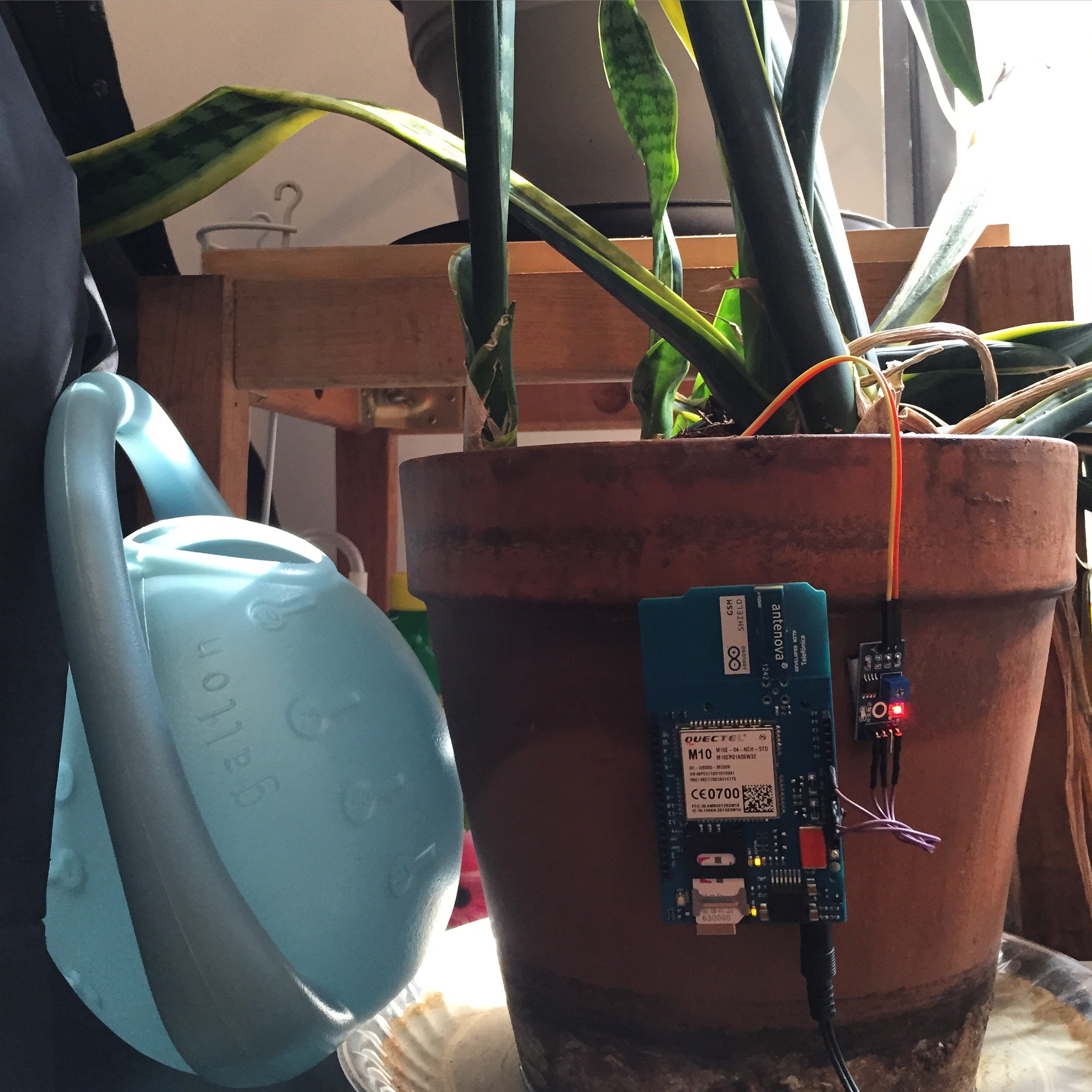
Objective:
Create a quick prototype of a plant moisture alert system wherein the system with send an SMS to remind the user to water his or her plant.
Components:
- Arduino Uno
- Arduino GSM Shield with Integrated Antenova Antenna
- Any Arduino-compatible Soil Moisture Sensor
- Male to Female Jumpers
- 12V DC Power Supply
Process:
1. Read sensor values for dry and wet soil.
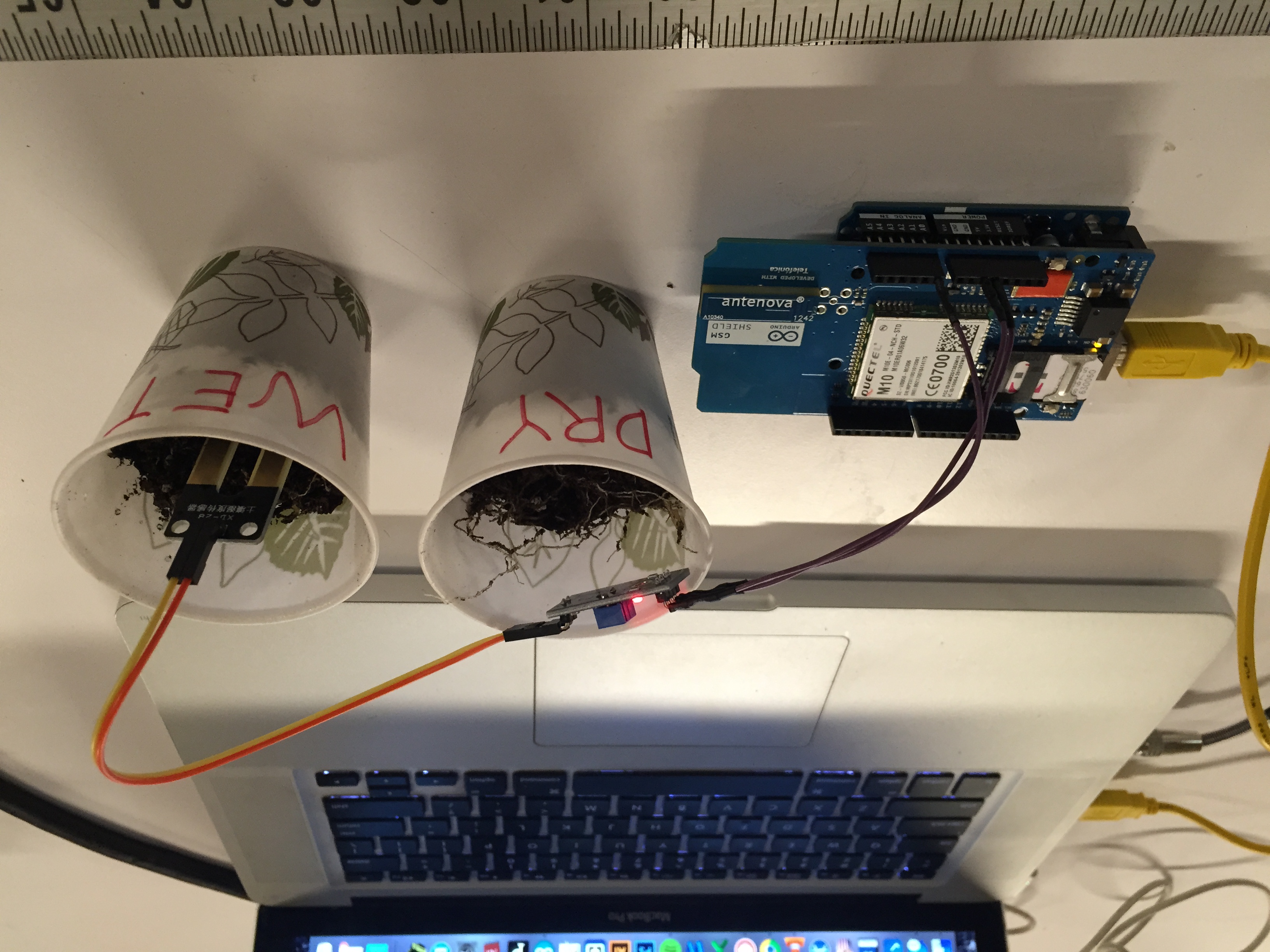
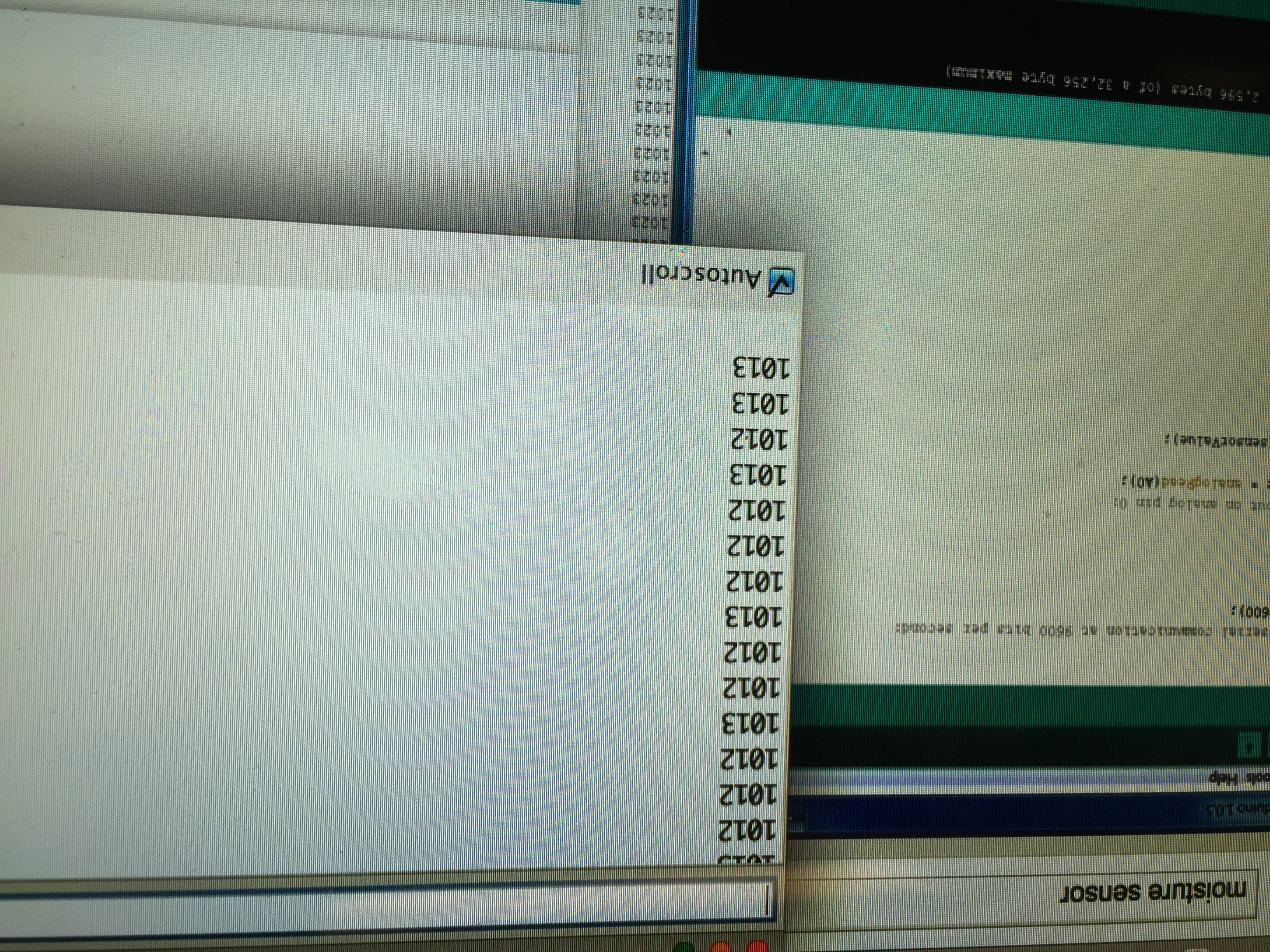
Upon testing, dry soil will give a sensor value above 1000 whereas moist soil will give a sensor value below 900.
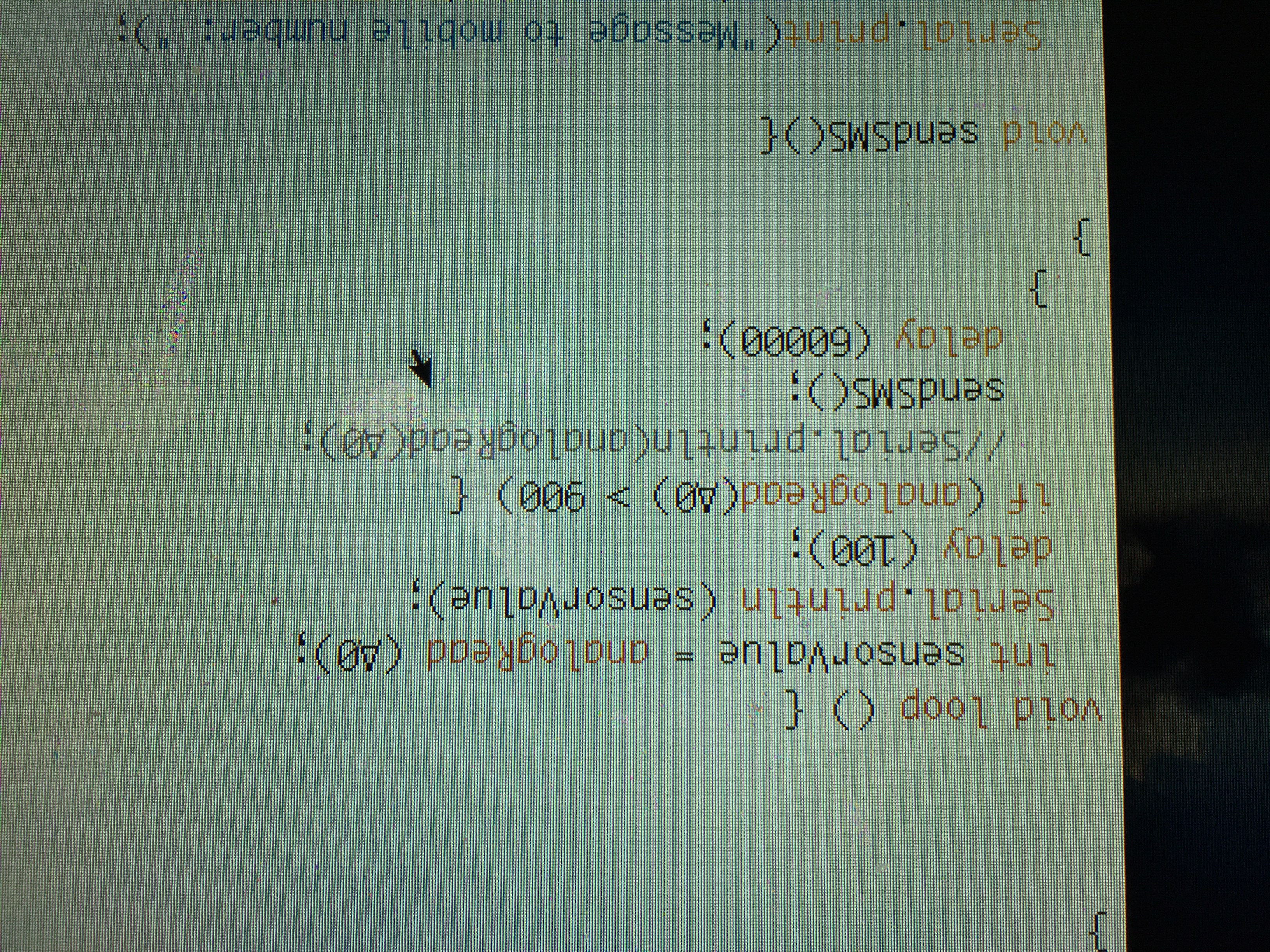
2. Write a simple code (see below) that when sensor value is less than 900, the GSM module will send an SMS to remind user to water the plant.
3. Test and Voila
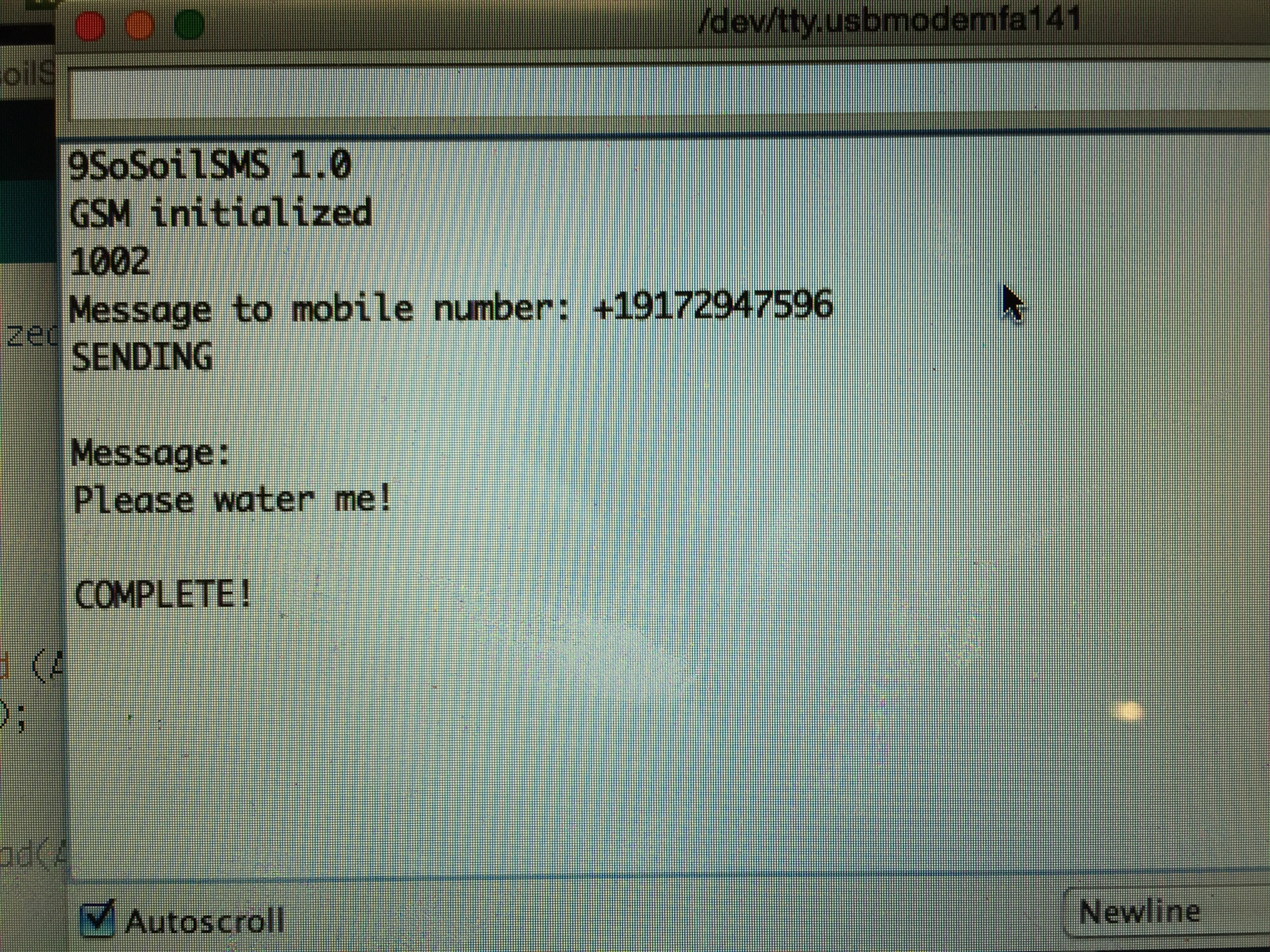

Code:
#include <GSM.h>
#define PINNUMBER “”
GSM gsmAccess;
GSM_SMS sms;
char remoteNumber[20] = “your number here”;
char txtMsg[200] = “Please water me!”;
char senderNumber[20];
void setup (){
Serial.begin (9600);
Serial.println(“SoilSMS 1.0”);
// connection state
boolean notConnected = true;
// Start GSM connection
while(notConnected)
{
if(gsmAccess.begin(PINNUMBER)==GSM_READY)
{
notConnected = false;
//digitalWrite(ledPinInitalize, HIGH);
}
else
{
Serial.println(“Not connected”);
delay(1000);
}
}
Serial.println(“GSM initialized”);
}
void loop () {
int sensorValue = analogRead (A0);
Serial.println (sensorValue);
delay (100);
if (analogRead(A0) > 900) {
//Serial.println(analogRead(A0);
sendSMS();
delay (60000);
}
}
void sendSMS(){
Serial.print(“Message to mobile number: “);
Serial.println(remoteNumber);
// sms text
Serial.println(“SENDING”);
Serial.println();
Serial.println(“Message:”);
Serial.println(txtMsg);
// send the message
sms.beginSMS(remoteNumber);
sms.print(txtMsg);
sms.endSMS();
Serial.println(“\nCOMPLETE!\n”);
}
Katie
October 27, 2015 at 5:59 amHi, do you have idea on how to make it send hourly readings of the plant moisture? Thanks.
hubuy
February 3, 2016 at 12:28 amHi Katie,
Sorry for the late response.
It’s a matter of putting a function in the code that will add an interval to the analog read. I’m actually developing this idea further and refining the code to add this. Expect an update in the next few months.